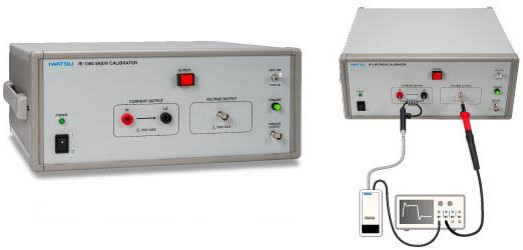
OSCILLOSCOPE DS-8000 series– High-Resolution Oscilloscope –
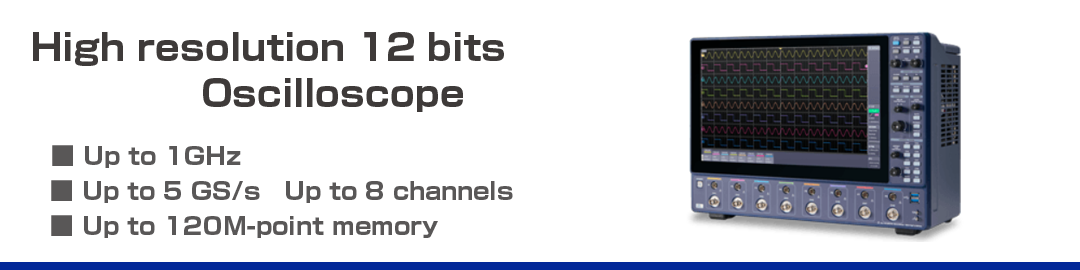
Digital Oscilloscope DS-8000 Series
High resolution oscilloscope
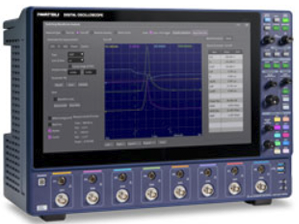
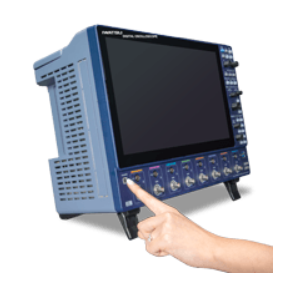
The DS-8000 Series accurately displays the measured signal with a maximum frequency bandwidth of 1GHz, a maximum number of channels of 8 CH, a sampling speed of 5 GS/s (when the channels are coupled), and a vertical resolution of 12 bits. High-speed start-up up to 4 times faster than competitor products and a 15.6-inch FULL HD touch panel greatly improves measurement efficiency.
- Large screen 15.6-inchFULL HD
- Intuitive operation Touch panel & button/knob & mouse
- Up to 8 CH
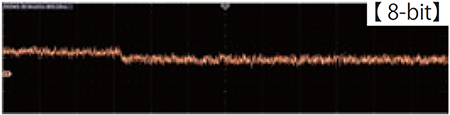
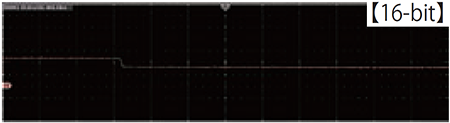
- High resolution 12 bits (equivalent to 16 bits in high resolution mode)
- Maximum memory length of 120M points as standard
- High-speed data transfer 15 times faster than before
Overview
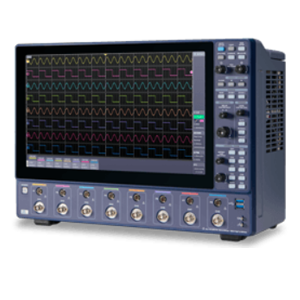
Large screen and intuitive operation
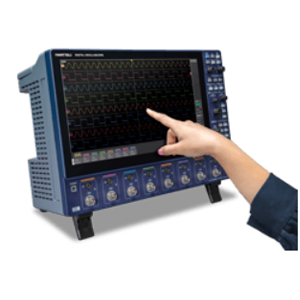
You can change the settings by sensory operation just by touching and comfortable operation with buttons and knobs. The high visibility Full HD display shows every detail of the waveform.
High-speed start-up
After the power is turned on, the device starts up quickly (about 30 seconds, 4x faster than competitor products), so you can start measuring immediately when you want to use the device.
High resolution & low noise
Waveform display is possible by using ADC with high resolution of 12 bits at all times (up to 16 bits in high resolution mode).
Ideal for automotive, component, and semiconductor design, production, and quality assurance departments.
Broadband & up to 8 channels
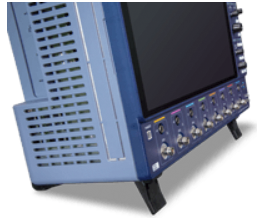
Supports a wide range of applications with a maximum frequency band of 1GHz and a maximum of 8 channels.
Various Functions
Smoothing function
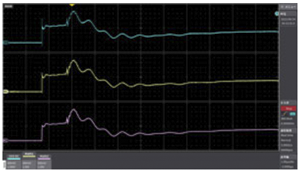
Upper section:Signal where noise is superimposed
Interruption:Smoothing ± 2 points
Lower section:Smoothing ± 6 points
Simple moving average processing allows the main signal to be measured by highlighting it versus the signal with waveform distortion. From the sampling data, the average value is calculated and displayed by shifting the average value for each certain section. (which can be arbitrarily set by width)
Arithmetic function
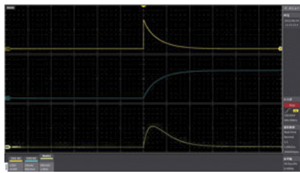
Example:Response characteristics of inductor
Upper section:Voltage change (CH1)
Middle section:Current change (CH3)
Lower section:Power change=MATH(CH1*CH3)
Using the arithmetic function, loss, impedance, etc. can be determined. In addition, as with channel input (voltage/current), MATH has a rescale function, so you can directly read the characteristic values of the device.
FFT function
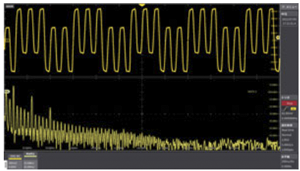
The frequency components of the input signal can be determined.
In the example in the left figure, the time axis waveform has a 500 ns period signal superimposed on the square wave signal of the 100 ns period in the upper section. In the lower section, a 10 MHz odd-order harmonic 1-3-5 order is clearly shown by FFT analysis, and a 2 MHz signal can be seen between the frequency components.
Filter function
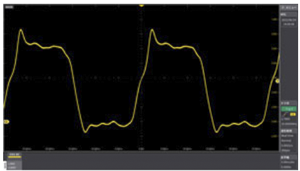
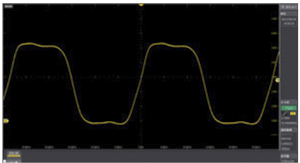
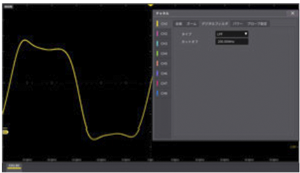
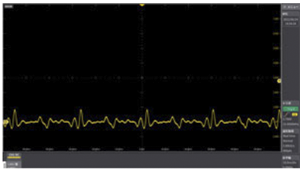
Input signal
① Analog filter 20MHz
② Digital filter (LPF) 200MHz
③ Digital filter (HPF) 35MHz
For each channel, the analog filter and the digital filter can be set separately.
① Analog filter function (when 20 MHz is set)
Input amplifier is band-limited to eliminate high-frequency noise.
②③ Digital filter function (when ② LPF200MHz, ③ HPF35MHz is set)
The filter type and cutoff frequency can be set, and the filter function is realized by digital signal processing.
In the example, one signal can be extracted from a signal in which two frequency components are superimposed.
Average operation
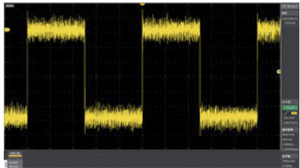
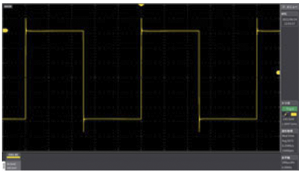
Noise-superimposed waveform (without averaging)
Averaged waveform
The left upper waveform is a superimposed waveform of noise. In the upper right waveform, the noise is reduced by averaging. Capture the trigger as a single “Then, after capturing the data for the set number of averages, stop the measurement.
High Resolution mode, Advanced High Resolution(Advanced High Resolution)
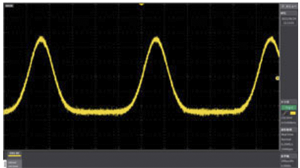
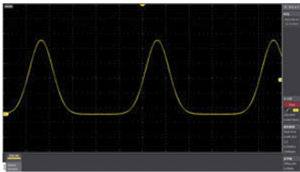
Impulse waveform with noise superimposed
Waveforms with reduced noise in high-resolution mode
High Resolution mode
When set to a sample rate lower than the highest sampling, the data captured in the highest sampling is averaged and displayed in high resolution. You can effectively increase the vertical resolution by attenuating random noise. It can also be used for single-shot signals and repeating signals, and supports up to 16 bits.
Advanced High Resolution
Digital processing provides higher resolution and less noise than High Resolution.
sin (x)/X interpolation
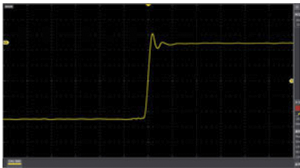
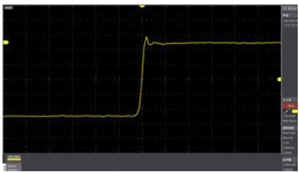
sin(x)/X interpolated waveform
Linearly interpolated waveform
In this mode, by creating interpolation data by curve fitting between acquired sampling points using sin (x)/x interpolation, the apparent sampling speed is increased and measured. Unlike equivalent sampling, it can also be used for single-shot signals.
Peak detection mode
Detects and displays the maximum and minimum values that occur within the interval that is twice the set sampling period, so that peak values such as noise waveforms can be reliably understood.
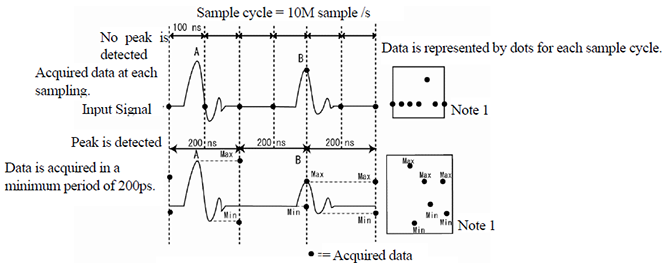
The above figure shows the capture method at the time of normal sampling (upper section) and at the time of peak detection (lower section).
If peak detection is not set, the waveform data point A in the figure may not be detected. Because it captures at 400 ps cycles independent of the sampling period, it can reliably capture phenomena that occur within the sampling period.
Roll sample
The waveform data is displayed in real time, and continuous waveform data is automatically scrolled from the left side of the screen to the right side. When using the maximum memory length of 120M points, very long level fluctuations of 5-50s/div can be seen continuously. The figure is an example that visually captures frequent amplitude fluctuations.
Roll operation is possible from 100 ms/div to 50 s/div with a memory length of 1.5k points as the fastest setting.
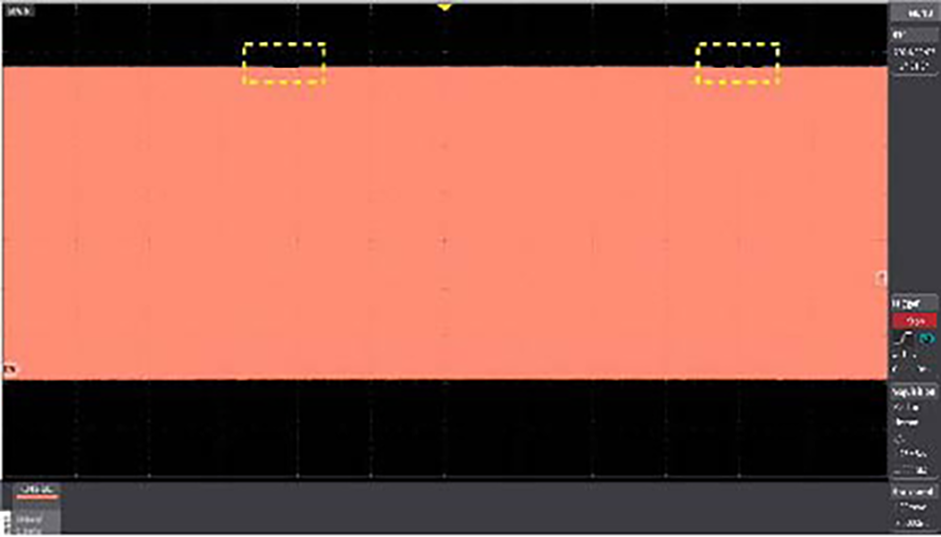
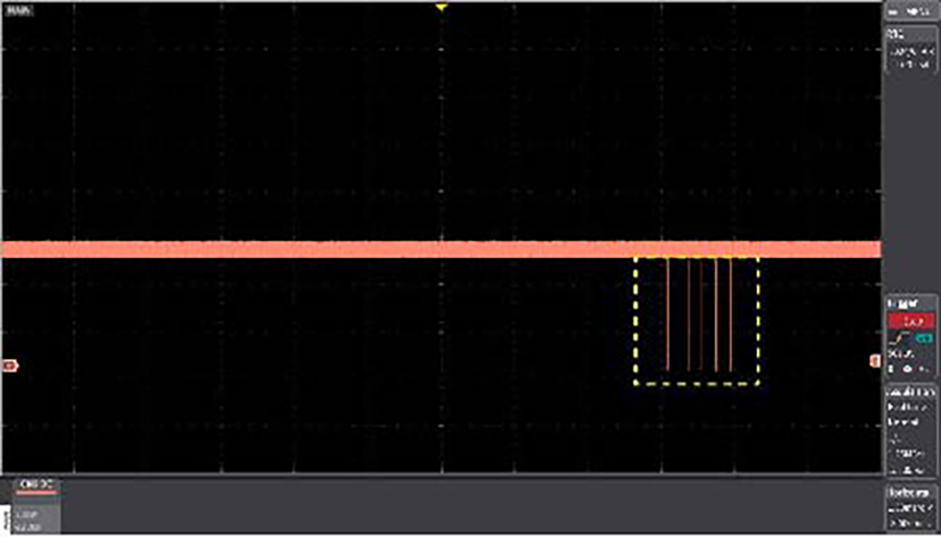
Example of checking amplitude fluctuating within 120div (120s) (time axis:1s/div)
Example of peak detection of spike noise with small pulse width generated by the peak detection function (time axis:1s/div)
Cursor functions
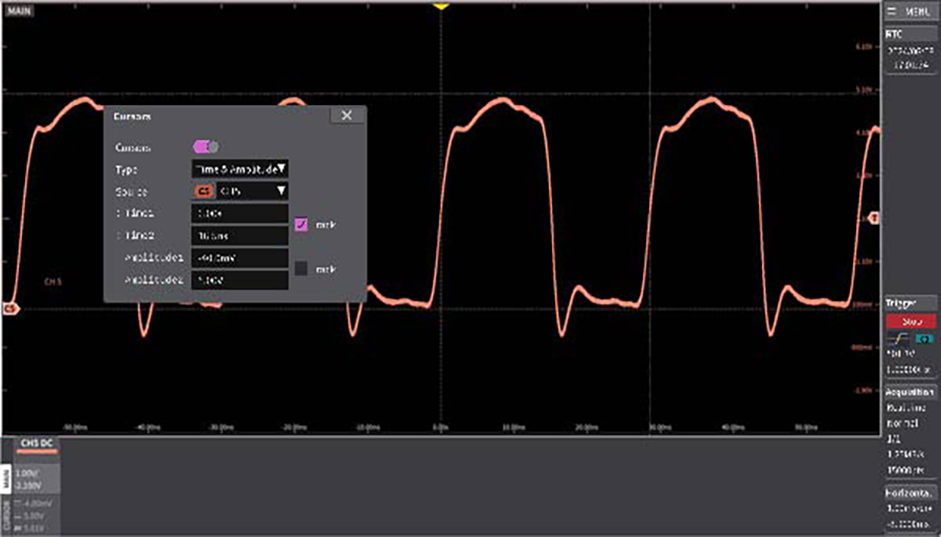
The cursor functions are Time, Amplitude, Time & Amplitude, and Value at cursor. You can move the cursor individually or track two cursors simultaneously. The figure is an example of pulse measurement with the Time & Amplitude cursor. You can view the values in the CURSOR area of the cursor menu, horizontal axis, and channel menu. Note that the cursor window of the measurement screen can also be hidden so that it does not overlap the waveform.
Split waveform display
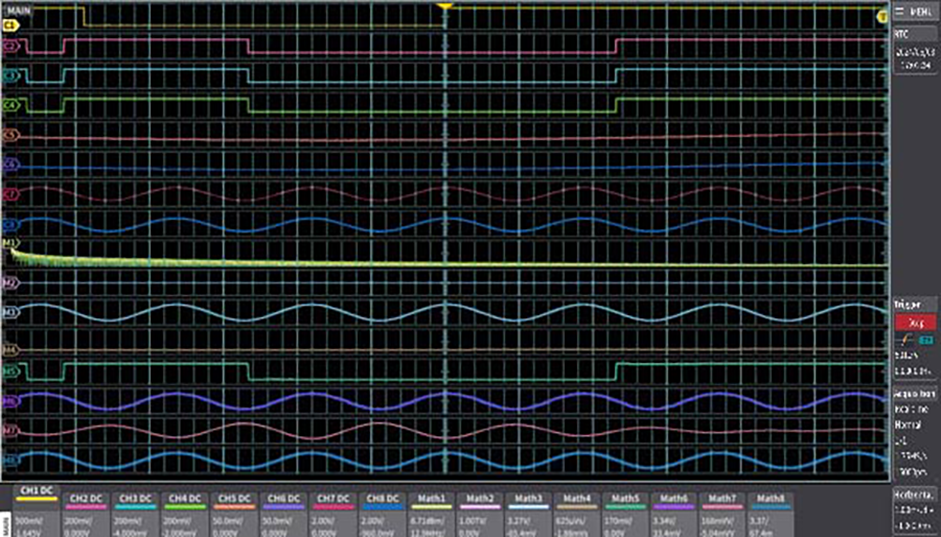
The vertical axis (amplitude) of each channel can be displayed independently. While maintaining the full scale resolution of the vertical axis, the Y-T display (vertical axis: amplitude horizontal axis: time) is displayed for up to 16 sections in the 8CH model (CH display 8 + MATH operation 8).
For example, while looking at the original waveform, you can observe integration, differentiation, smoothing, and FFT analysis at the same time.
Search function
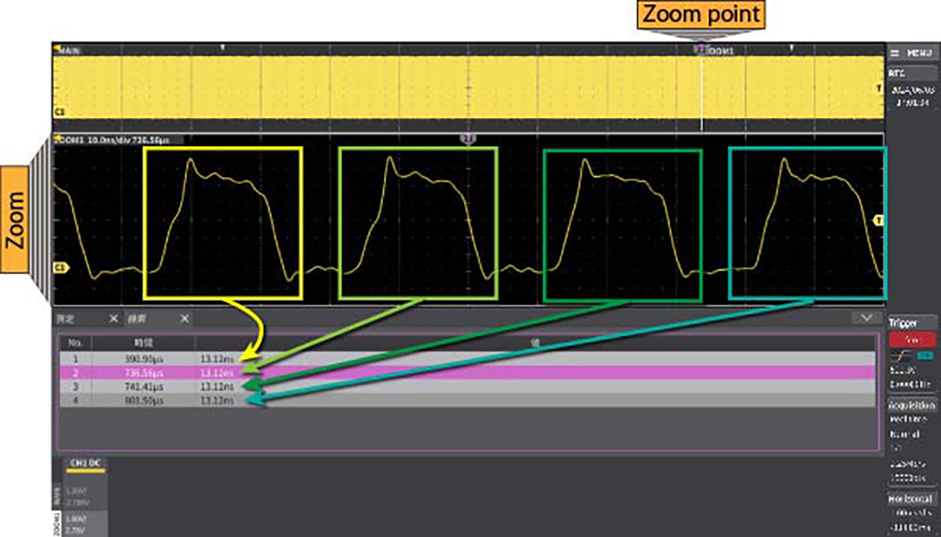
Up to 30,000 waveforms can be searched in the section that is displayed on the screen. Since the position of the waveform abnormality is easy to identify, it also leads to a reduction in debugging man-hours. The figure shows the second pulse of 13.12 ns or less, which is detected and enlarged to the lower section of the screen with the waveforms before and after.
Measurement gate function
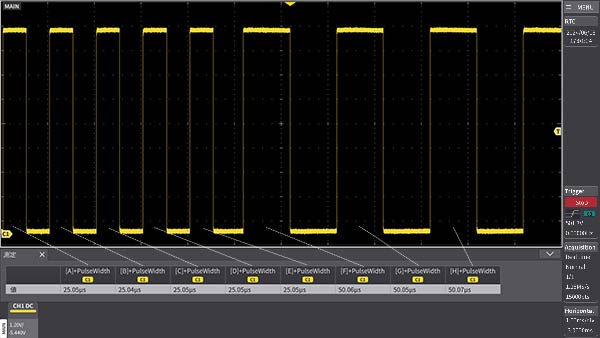
You can set each parameter operation in a specific section. As shown in the figure above, if you want to continuously check the change in pulse width at a specific timing while monitoring the waveform, you can display the respective pulse width by applying a measurement gate to each pulse. In addition, the change of the signal at different times in different channels can also be checked numerically.
Deskew function
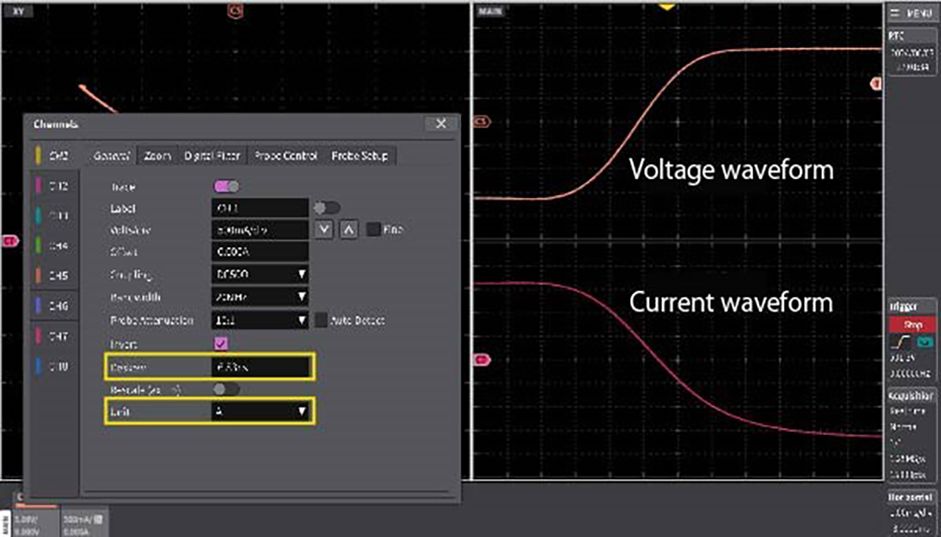
Depending on the probe used, skewing may occur between channels. The Deskew function allows you to compensate for time differences between channels. This function is necessary for accurate loss analysis (voltage x current) and timing measurement. You can check numerically.
Sequence function/History function
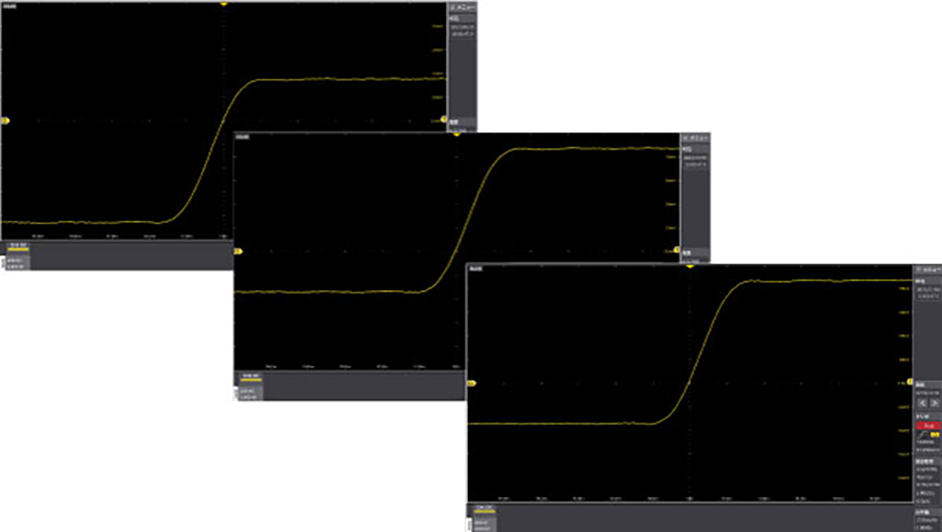
The Sequence function is a high-speed trigger that allows you to set the horizontal axis sample mode to a sequence and store the data in the segmented memory, greatly reducing the data read time. The figure shows an example in which the 1/5-32,768th waveform is captured and the maximum value of each waveform is displayed.
The History function is always running in sample mode with no special settings in real-time mode. You can easily read the waveform history. The maximum number of records is 32,768 waveforms (dependent on memory). Historical data is displayed by specifying the index number of the history.
Data storage and offline analysis
By saving the measurement conditions and measurement data of the DS-8000, and later using the DS-8000 Viewer to read out the data, you can play back the waveform under different conditions, convert the waveform data to the required format (binary→ CSV format) and save it, and save the screen display in png format. To transfer long memory data to a PC, you can save via a USB3.0 storage device, or use the Ethernet or USB interface between the PC and the DS-8000.
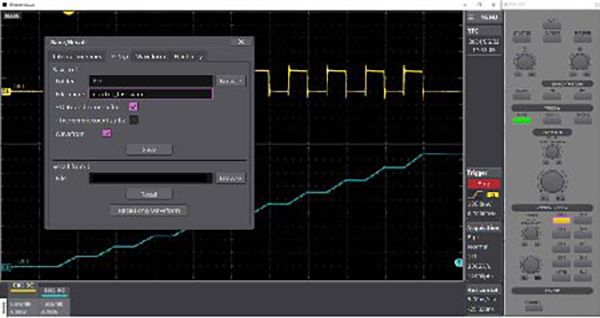
The figure is an example of measuring current and voltage drop in the reactor.
The data is saved and the waveform is read out on the PC. Since the knobs etc. on the oscilloscope are displayed visually on the PC, you can perform analysis with the feeling of actually operating the oscilloscope.
External trigger function (factory option)
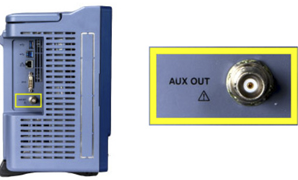
Compatible with external trigger input by selecting the AUX OUT external trigger input and the option (factory option applied at the time of shipment). You can capture the waveform using the timing of the control signal from the outside, such as system embedding.
Probe Power Connector
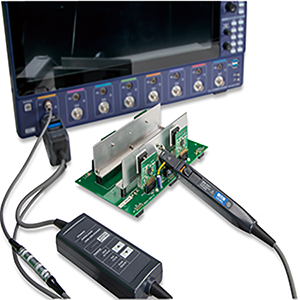
Each channel has a dedicated probe power connector.
These connectors allow to use several models of active probe without external power supply.
(Some probes require a conversion cable for usage.)
Compatible probes
| Probe Type | Model |
|---|---|
| FET Probe | SFP-4A/5A※ |
| High Voltage Differential Probe | SS-320※ |
| ON Voltage Probe | SS-350 |
| Differential Amplifier | SS-331、SS-332 |
| Current Probe | SS-240A※、SS-250※、 SS-260※、SS-270※、 SS-520、SS-521、SS-530、 SS-531、SS-540、SS-550、 SS-560、SS-570 |
Note:Probe marked with ※ is discontinued.